Webcam Mounts

Collection: Webcam Mounts

Most webcam mounts solve the wrong half of the problem.

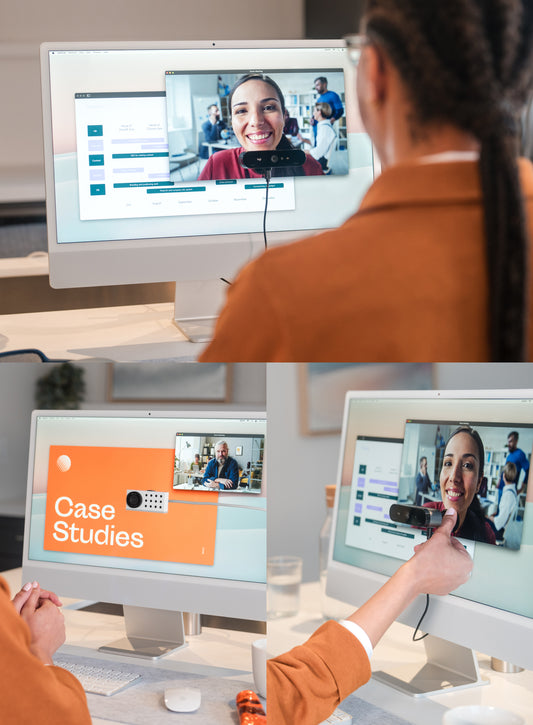
A webcam clipped to the top of your monitor sits roughly 10 to 16 degrees above the face you're actually looking at. People only register eye contact when the camera is within about 5 degrees of the other person's eyes on screen, which is why you can be paying full attention and still look like you're reading something else. The research on that is here.

What to look for in a mount

  • Position you control. The camera belongs where the other person's face is, not where the bezel puts it. Devices with a fixed drop decide that for you.
  • Eye level, within an inch or two. Too low and you loom over the viewer. Too high and you look small.
  • No desk space. Your screen is space you've already paid for.
  • It should move aside, then come back. Shift it when you're heads-down and return it without re-framing the shot.
  • Keep your own camera. Mounts outlive webcams. Anything that welds the two together retires as one unit.

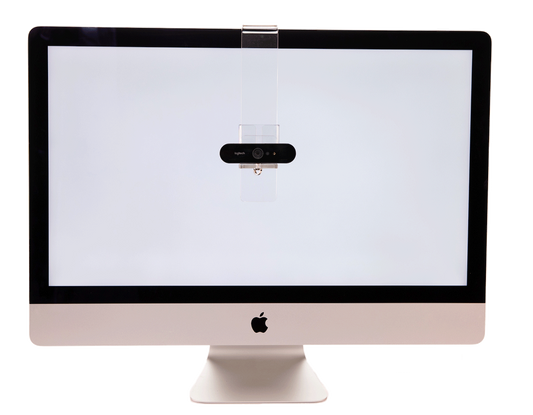
Mag2 attaches magnetically anywhere on your screen and takes USB-C webcams. Pro V2 hangs any tripod-thread camera in front of the display. Road Warrior Pro V2 adds a light for hotel rooms and conference centers.